
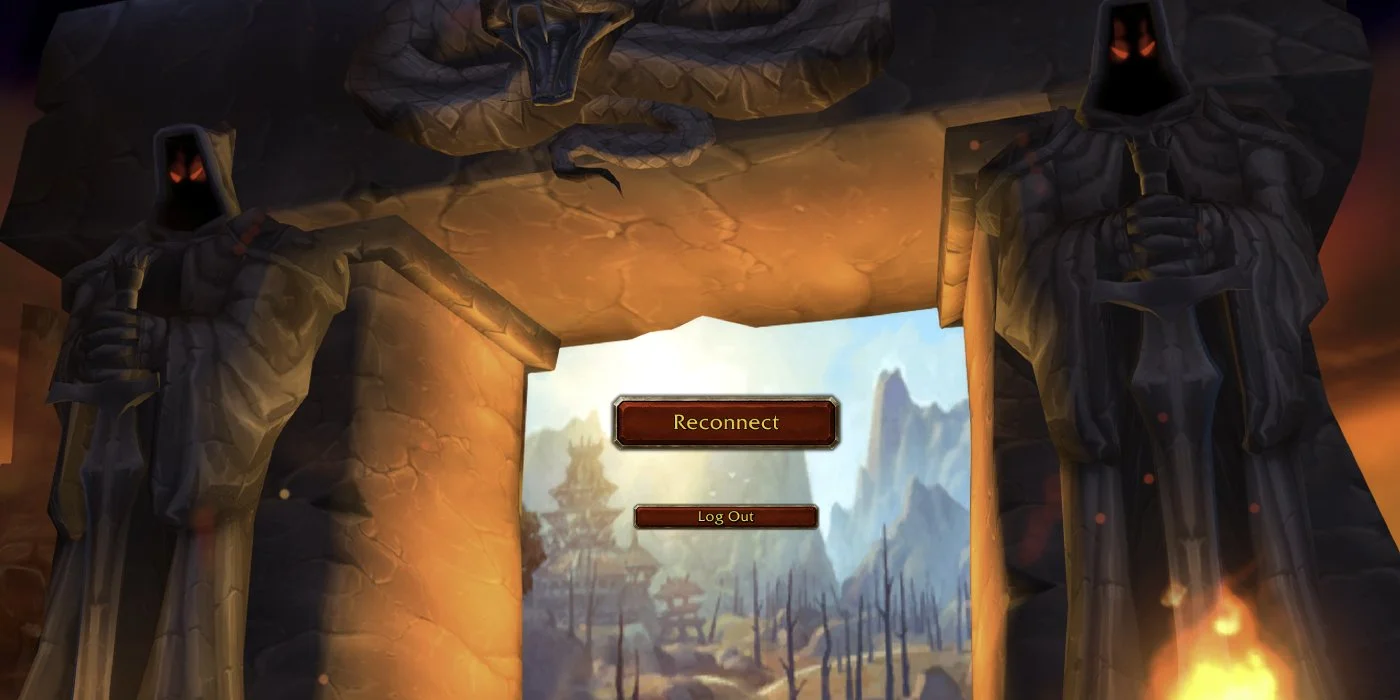
You click the play button on your Battle.net client. The game launches to a very iconic portal screen almost exactly like the days of vanilla World of Warcraft. The difference? Slight changes to the location in the background. The music? The exact same song you heard all those years ago: Legends of Azeroth, and yes, they are calling you home. Forever.
The beta has just dropped for WoW Forever so we're going to take a look at the onboarding and character creation process and how it compares to Classic.
Choose Your Gameplay
When you first connect to WoW: Forever you will be asked to pick a gameplay option. During the beta test, which started September 17, 2026, two options are available:
Normal
PvP
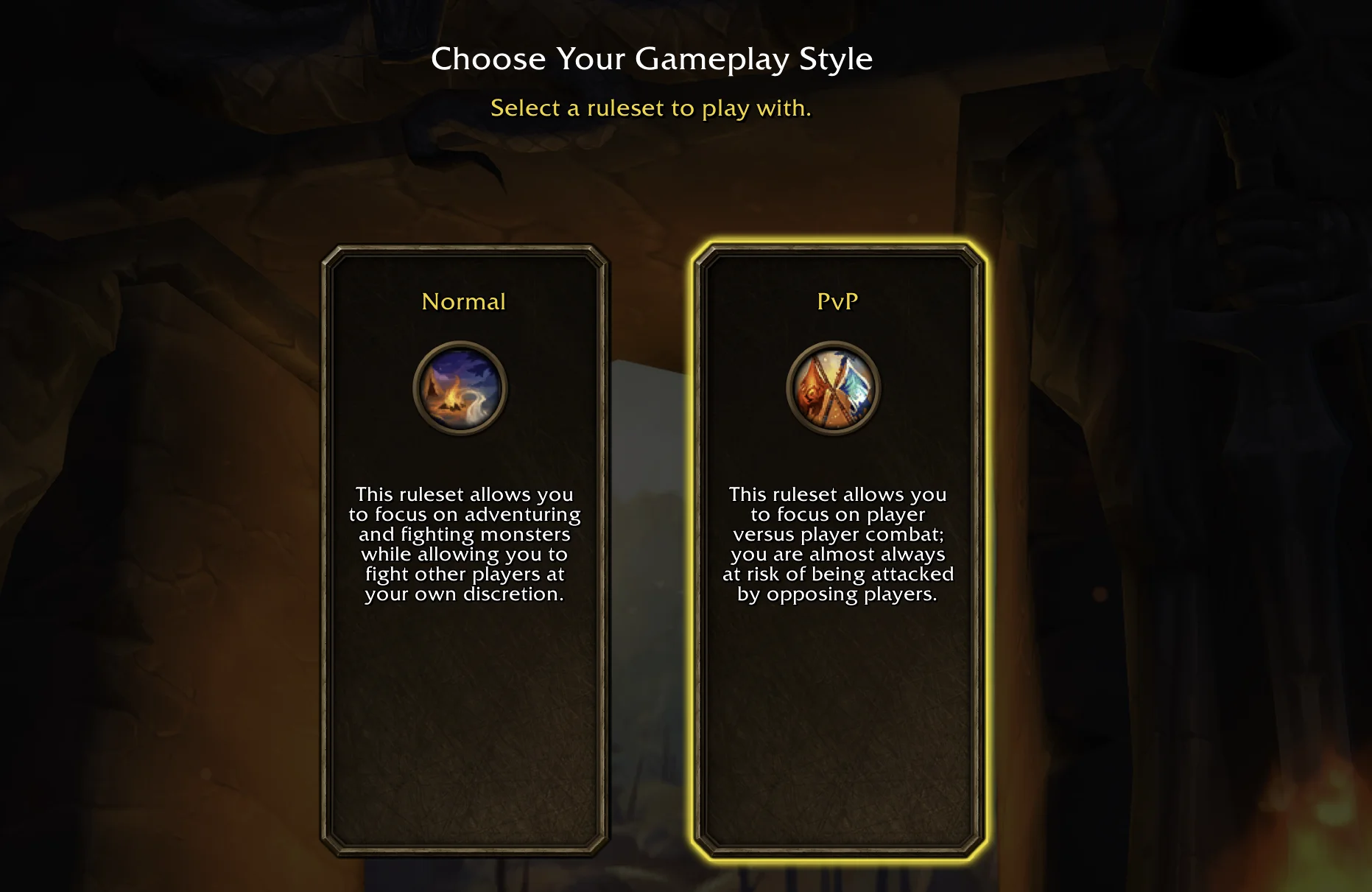
These will not be the only gameplay styles available in WoW: Forever though. At launch, the Roleplay option will be added and then shortly after launch, Hardcore will appear as a fourth option.
What are the gameplay styles? These are the replacements for realms! You can read more about this in our dedicated article talking about the realm system changes in Forever.'
This is the same screen you get to see when you select "Ruleset" at the top of the character select screen, replacing "Realms".
Experience Presets
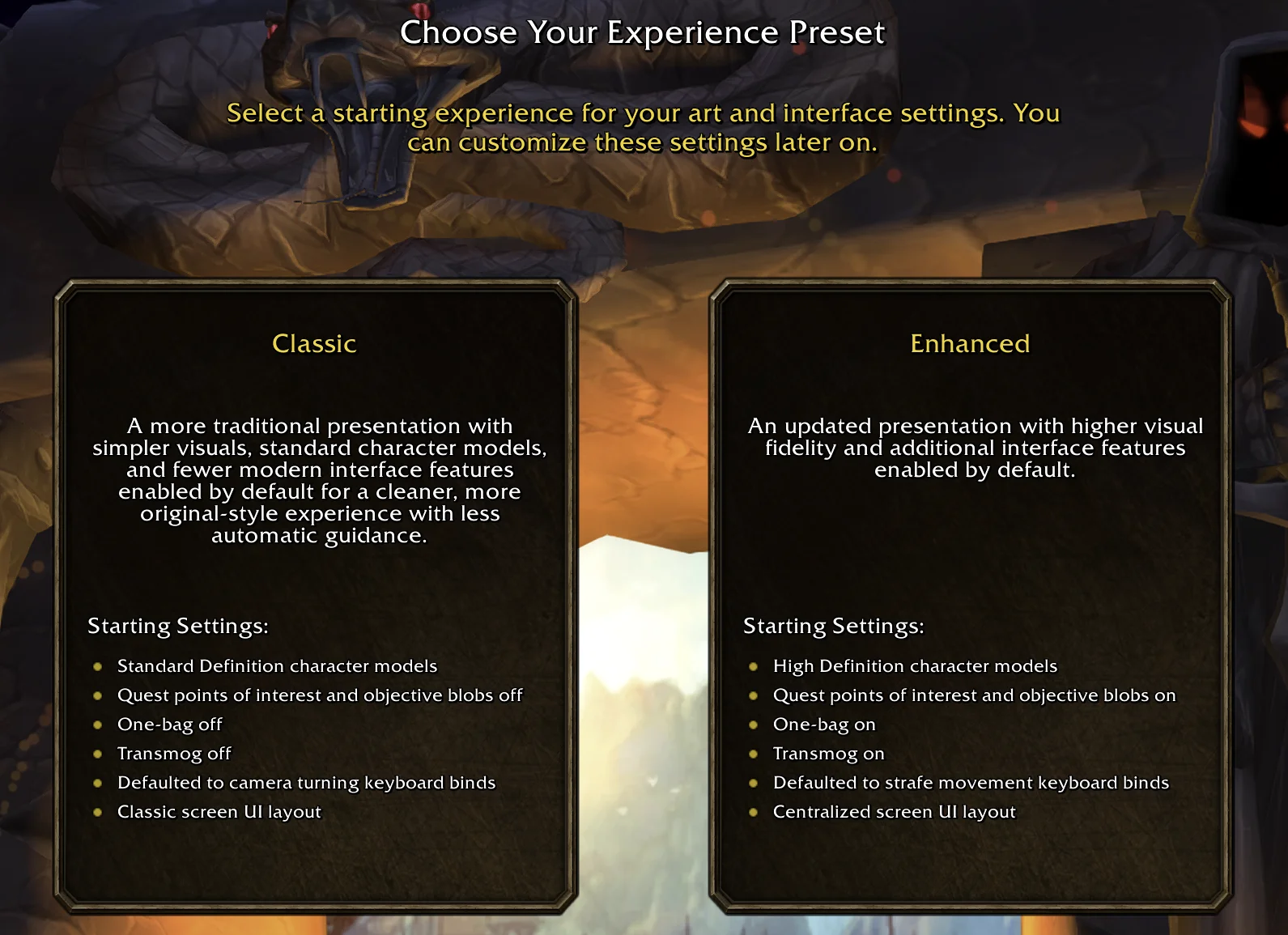
Blizzard has two different defaults you can choose from, "Classic", and "Enhanced". The enhanced version includes:
High Definition character models
Quest points of interest and objective blobs on
One-bag on
Transmog on
Defaulted to strafe movement keyboard binds
Centralized screen UI layout
This is a much more modernized version of the game, but, you can go and change these settings back afterward in the options if you so desire.
Character Creation
The character creation screen has received a nice splash of fresh paint with higher definition visuals, even if you don't have the HD models on, and it's a welcome boost to quality.
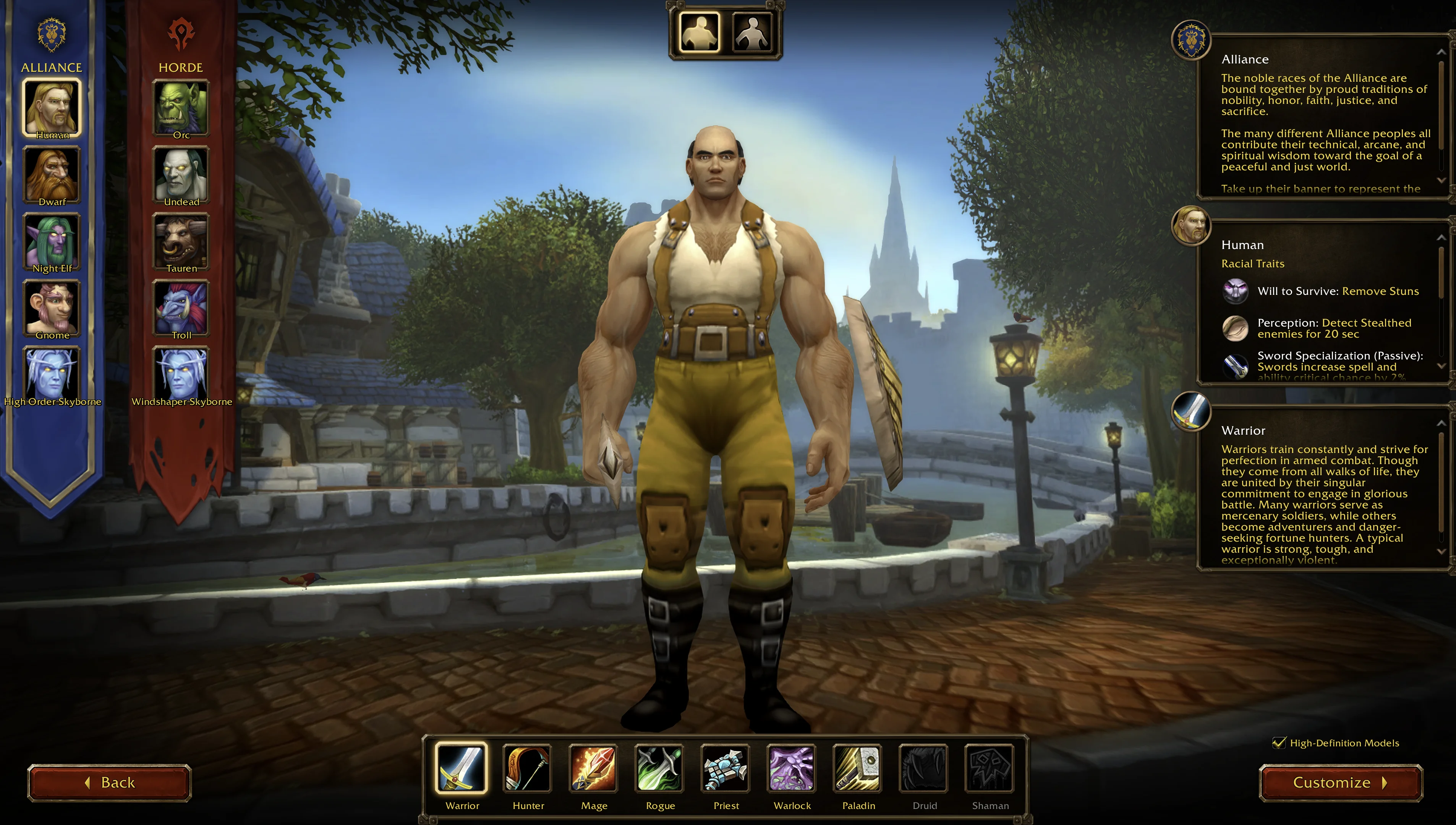
The icons are all going to be in "HD" even if you choose to not load the HD models as well. Notably, the Skyborne icons look a bit fuzzy compared to the iconic races of the past. Speaking of Skyborne:
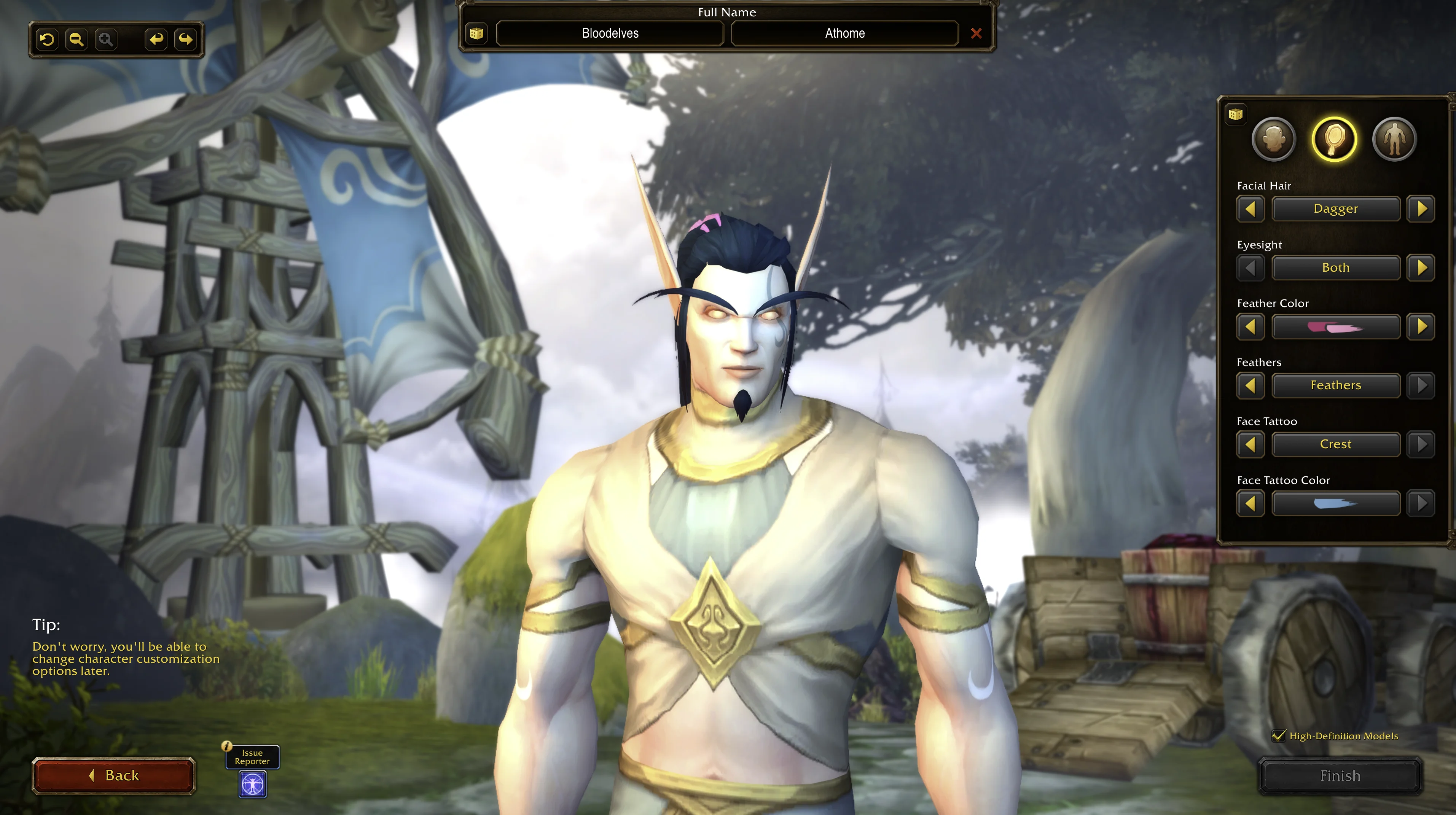
Blood Elves at home vibes, anyone? You can of course opt to make yourself blue as we saw in Blizzard's coverage, which is really just the best Burning Crusade mashup we could ask for: Draenei colors on the Blood Elves.
I can't wait to see the next race addition when we get furry goblins... or green naked worgen? I don't know what is more terrifying.
Overall the character creator is what you'd see on the live version of the game, currently WoW: Midnight, so if you're familiar with it, you'll feel at home. If you're not, welcome!
Social Contract
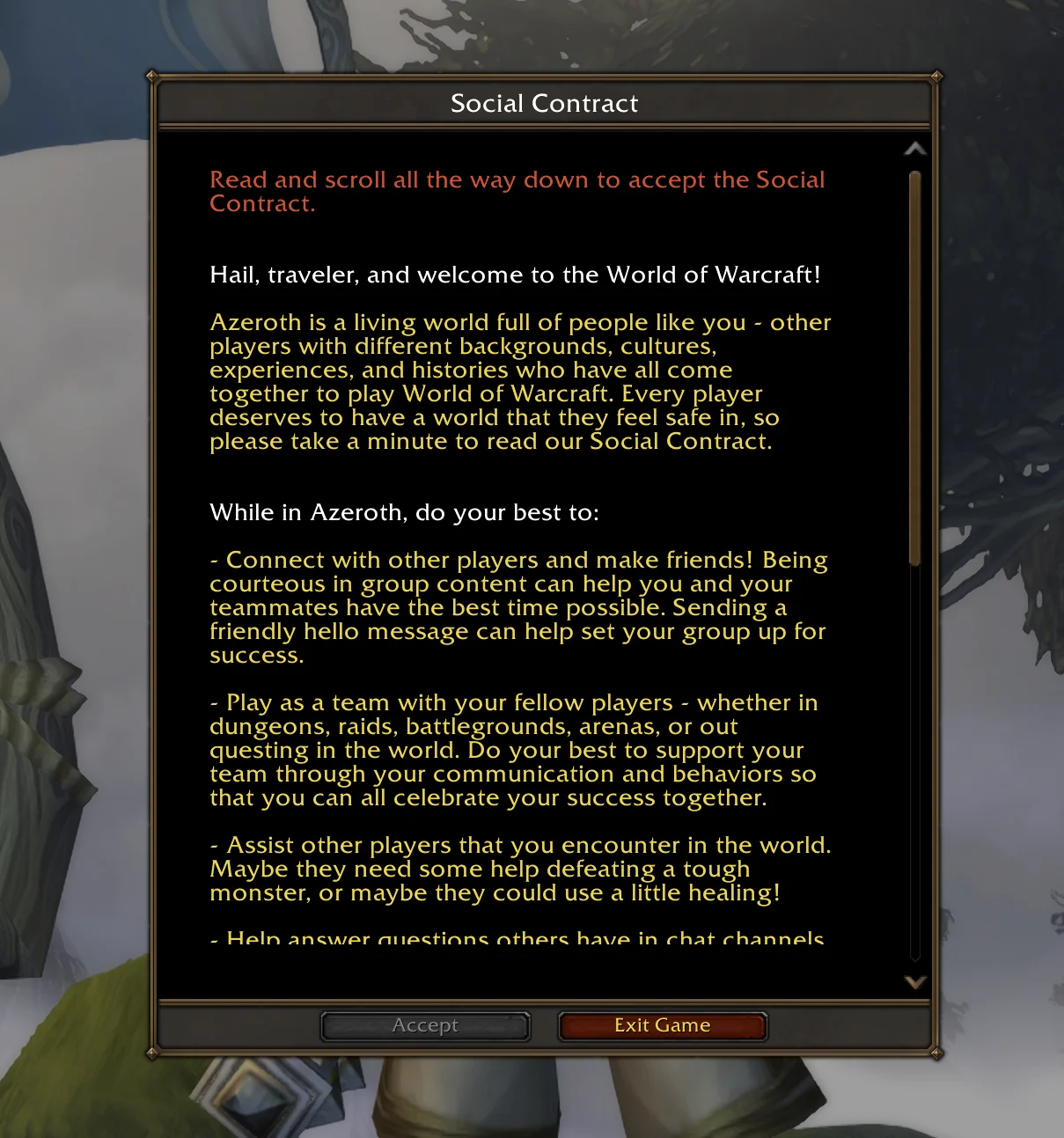
After making a character, you have to agree to not be a meanie. That's not to reduce the importance of letting people at least have a chance of understanding if they are being terrible people they're going to be punished, but let's be real, who reads scrollable text with a confirmation button? Hello EULA.
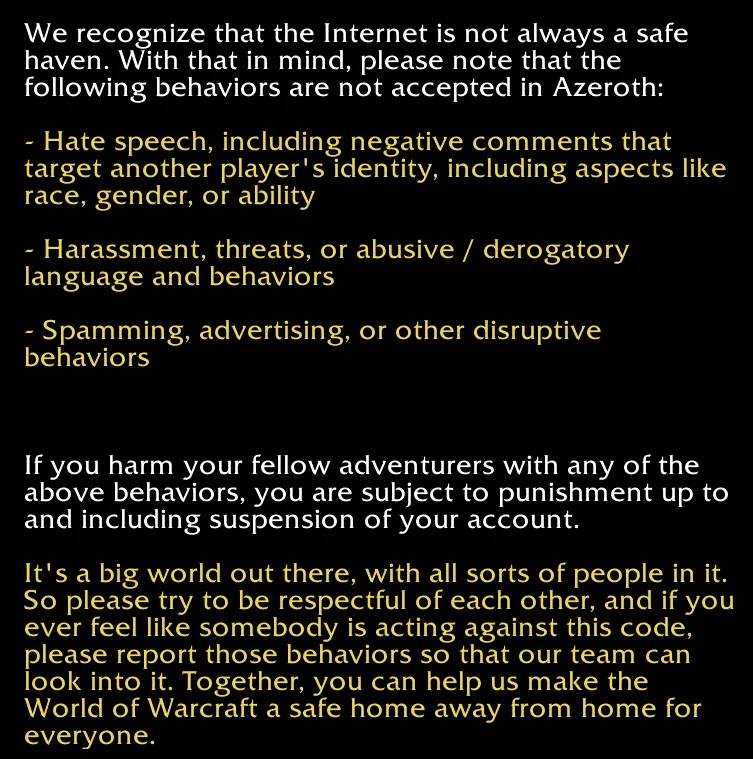
And even after that, apparently it's still okay to spam people with guild invites because no one ever seems to get banned for it. If I wanted to be in your shitty guild spam guild, I'd have joined when you spammed general chat with it.
Gamepad UI
After agreeing and before entering the game world, if you desire, you can turn on the Gamepad (Alpha) support. Hit the Menu button at the top of the character select screen and navigate to Options. There is a new system section that will allow you to turn on support for it.
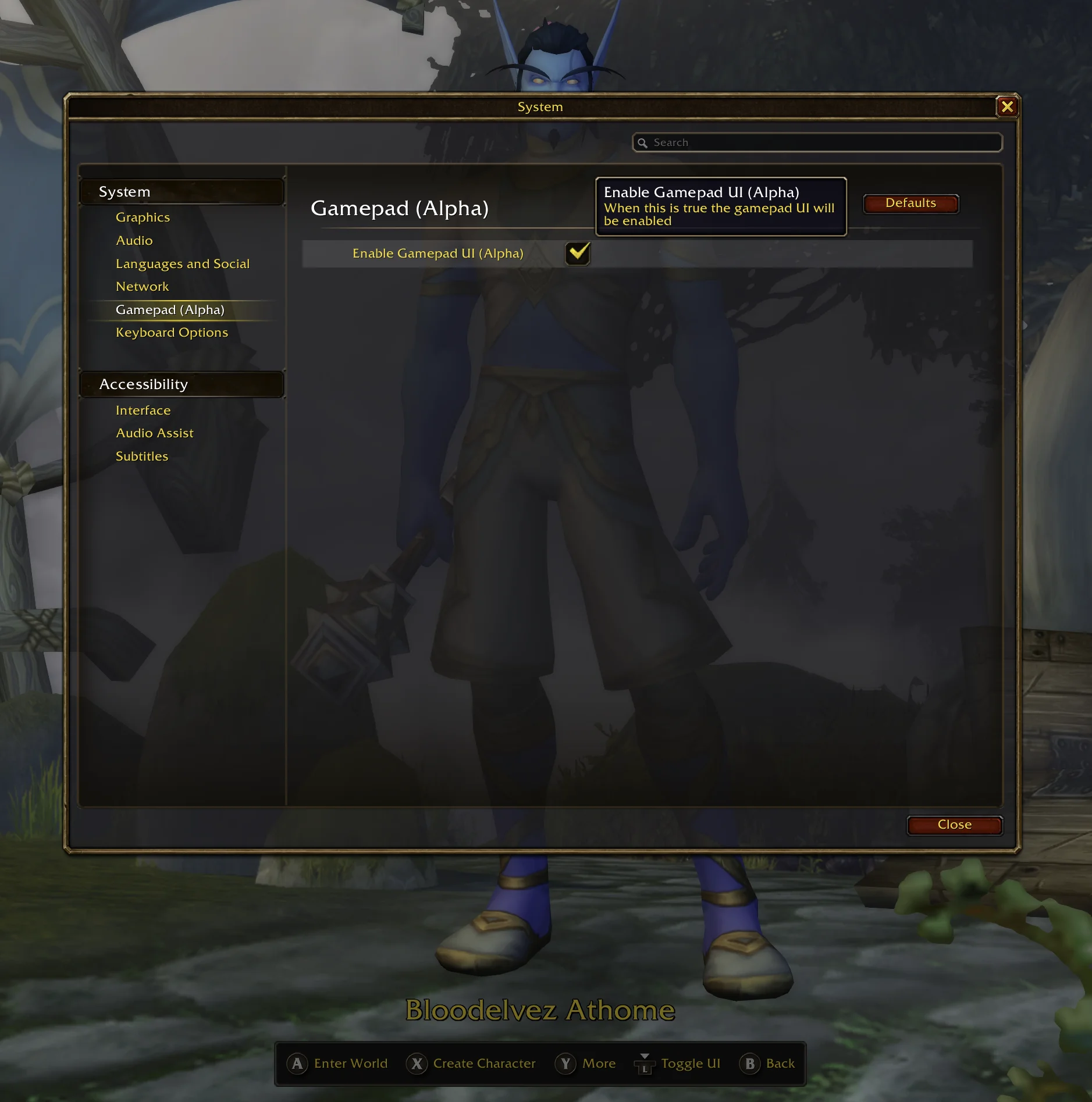
The bottom of the screen gets a legend to let you know how to use the gamepad controls. Note that you can still use your keyboard and mouse while the gamepad control layout is active, however, there is no more button to finalize your character that can be clicked with a mouse, you must use your gamepad.
In fact, unless you want a randomized name, you will need to use a keyboard to type in your name as there is not currently an onscreen keyboard.
That's it for everything before you jump into the game world!

Leave a Comment