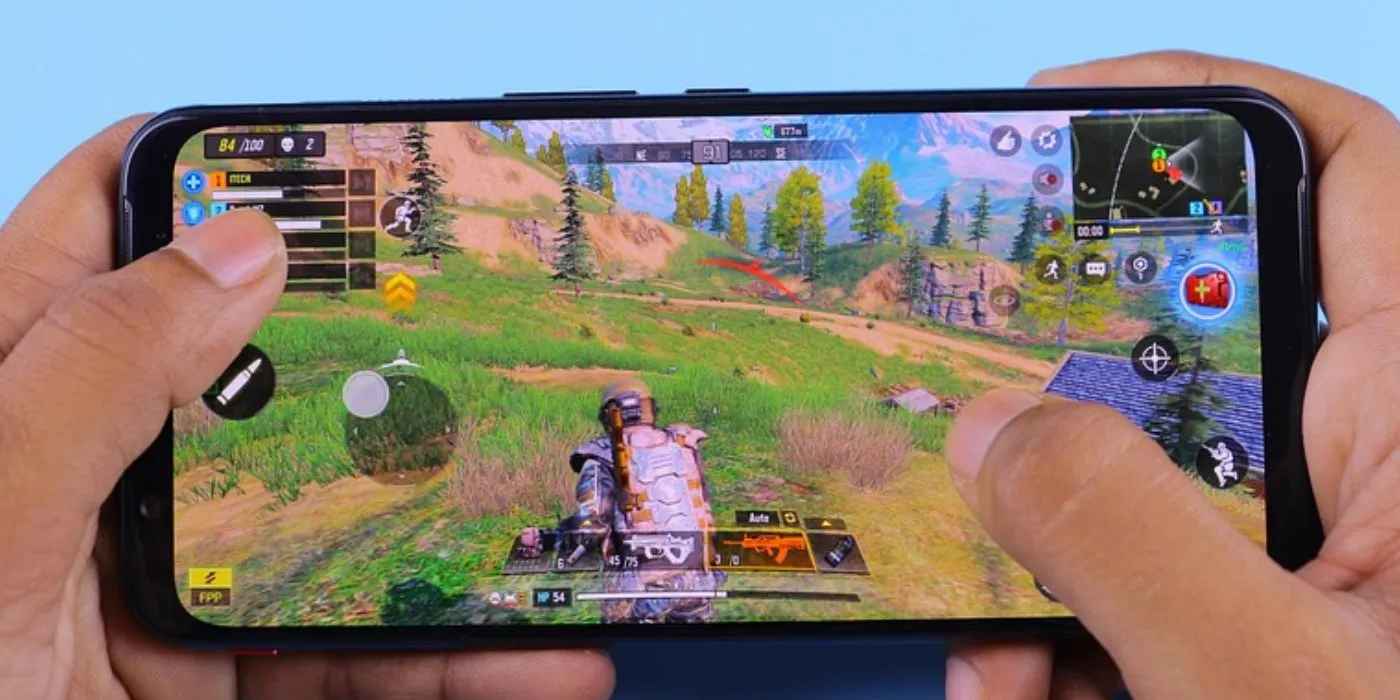
Mobile gaming is more than just a way to kill time. It’s an experience.
From battling it out in an intense shooter, strategizing in a turn-based game, or spinning the reels on a mobile casino app, one thing’s for sure: if your phone isn’t optimized, you’re not getting the best out of it.
Lag, overheating, and battery drain can ruin an otherwise great session. But with a few tweaks, you can get your phone running at peak performance.
Declutter Your Phone and Free Up Space
Ever tried loading a game, only for it to take forever? That’s usually a sign your phone is struggling. A cluttered phone is a slow phone, so the first step is to clear out the junk. Uninstall those apps you haven’t opened in months, offload photos and videos to cloud storage, and delete unnecessary downloads.
Cached data can also pile up over time, hogging space and slowing everything down. Clearing it out every once in a while makes a noticeable difference. And if you’ve got apps running in the background, shut them down—your game deserves all the resources it can get.
Pick the Right Gaming Platform
Not all gaming platforms are built the same. If you’re into mobile casino games, offshore platforms usually give you a smooth, hassle-free experience no matter where you are. According to Matt Bastock, offshore gambling platforms rank among the most popular sites available worldwide, offering massive game libraries, better bonuses, and top-tier security, leaving users rest-assured of heightened safety and engaging entertainment.
But even the best platform won’t help if your phone isn’t up to the task, so making sure your device is optimized is key. This usually requires needing a decent model with at least 6GB of RAM, a good internet connection, and a decent screen size.
Use Game Mode (It’s There for a Reason)
Most modern phones come with a built-in Game Mode, and if you’re not using it, you’re missing out. This feature automatically prioritizes your game by giving it more processing power while shutting down unnecessary background tasks. It also blocks annoying notifications because nothing’s worse than getting a message pop-up at a crucial moment.
Some Game Modes even improve touch sensitivity and tweak refresh rates, making gameplay feel smoother. Check your settings, find Game Mode, and switch it on. You’ll notice the difference instantly.
Adjust Graphics for Performance
Sure, high-end graphics look amazing, but if your game is lagging, they’re doing more harm than good. Most mobile games let you adjust graphics settings, so if you’re seeing frame drops or slowdowns, dial things down a bit. Lowering your resolution, turning off fancy effects like motion blur, and disabling unnecessary shadows can boost performance dramatically.
If your phone can handle max settings without a hitch, great! But if not, tweaking these settings helps keep things running smoothly without making the game look bad.
Stop Your Battery from Dying Mid-Game
There’s nothing more frustrating than being deep into a game and getting that dreaded "low battery" warning. To make sure your phone lasts longer, turn down the screen brightness—it’s one of the biggest power drains.
Battery saver mode is also a lifesaver, cutting down on background activity so your phone isn’t wasting energy on things you don’t need while gaming. If you’re not using Wi-Fi, Bluetooth, or GPS, turn them off to conserve power. And if you’re a serious gamer, carrying a power bank is a no-brainer—it keeps the fun going without a mad scramble for a charger.
A Good Internet Connection Is Half the Battle
You can have the best phone on the planet, but if your internet connection sucks, your gaming experience will too. Slow speeds mean lag, and lag means losing. If you’re on Wi-Fi, a 5GHz connection is the way to go since it’s faster and more stable than 2.4GHz. Playing near your router also helps, giving you the best possible signal.
If Wi-Fi isn’t cutting it, switching to a fast mobile data plan might be the answer. And if you’ve got other devices hogging bandwidth—like someone streaming videos in the next room—closing those apps can help free up speed for your game.
Keep Your Phone Cool
Picture this: you’ve just started checking out a new upcoming release like Croc Legend of the Gobbos and your phone overheats. A hot phone is a slow phone. When your device overheats, it throttles performance, making games lag and drain battery faster. Playing in direct sunlight makes things worse, so try to game in a cool environment whenever possible.
Taking short breaks during long sessions helps, too. Removing your phone case can improve heat dissipation, and if overheating is a constant issue, investing in a cooling fan is a solid idea. Keeping your device cool means it runs at peak performance without random slowdowns.
Stay on Top of Updates
If you’re one of those people who ignores update notifications, you might be missing out on crucial improvements. Developers constantly push out updates to fix bugs, improve performance, and optimize battery efficiency. Keeping both your phone’s operating system and your games updated ensures you’re always running the latest and most stable version. It’s a simple step, but it makes a difference.
Final Thoughts
If you want the best mobile gaming experience, a few tweaks can go a long way. Cleaning up your phone, using Game Mode, adjusting graphics settings, and making sure you have a stable internet connection all contribute to smoother gameplay.
Investing in the right accessories and keeping your phone cool also make a huge difference, ensuring that your device doesn’t slow you down when you’re in the middle of an intense match.
Comments
No comments yet
Be the first to share your thoughts!