About three months ago, Parkitect's final DLC, Dinos & Dynasties launched. Most of their efforts at this point are on their current project, Croakwood. However, they haven't stopped on Parkitect entirely since they are still giving the community new design challenges every month, celebrated the game's seventh anniversary on November 29, and have updated the Dinos & Dynasties DLC to include new dinosaur props and two net hats for the Souvenir Stall.
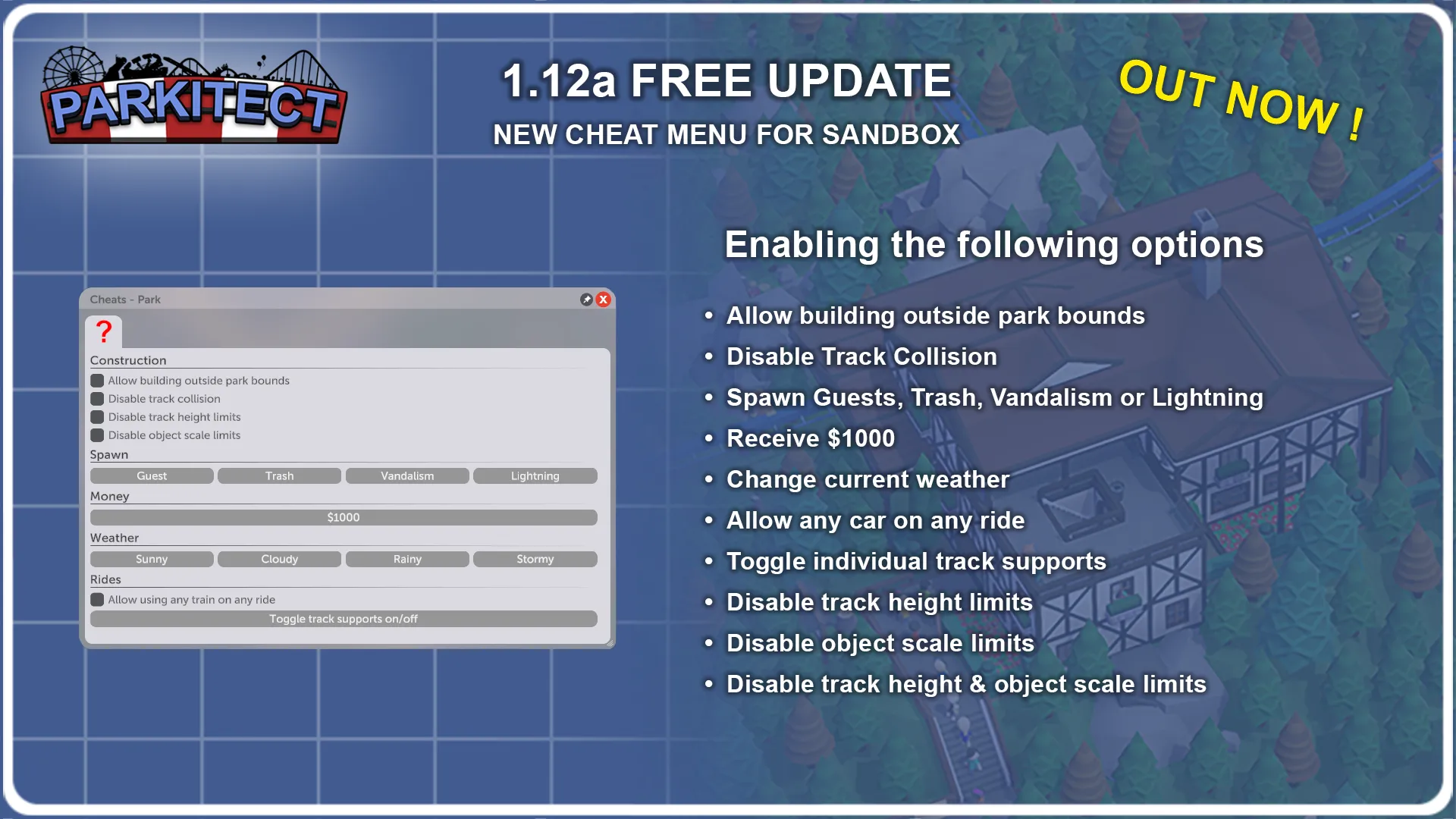
Also this is a feature that was added in a patch with the Dinos & Dynasties release, the post revealing the new update also talked about the "new" cheat menu that was added since it's fairly easy to overlook.
Quote From Texel Raptor Surprise! ’Tis the season, and we've added some extra items to the Dinos & Dynasties DLC! It’s been wonderful to see what you’ve created with the new content; however, it did not feel quite complete and we’ve now included what was missing for you to enjoy!
New Dinosaur Props
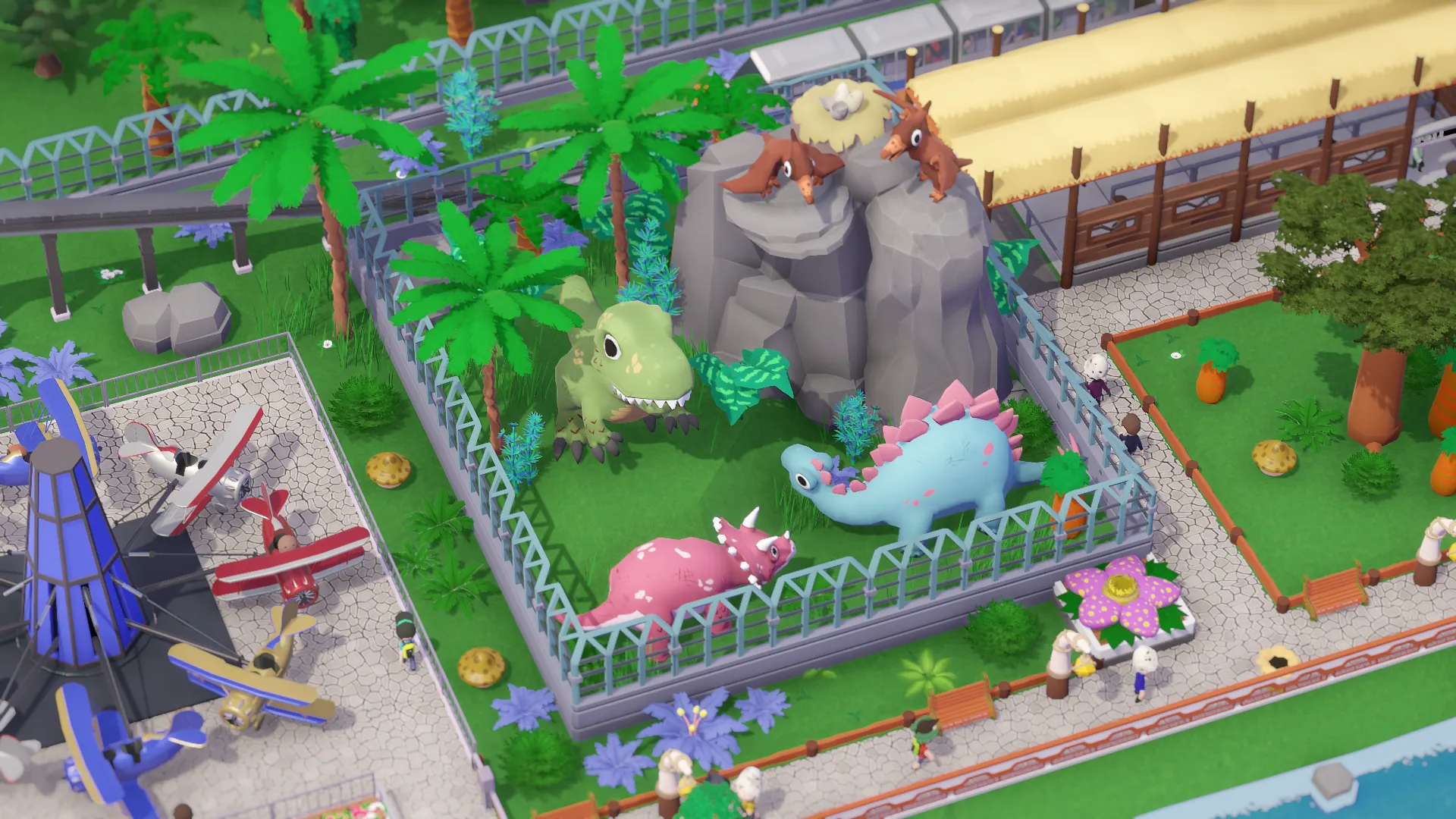
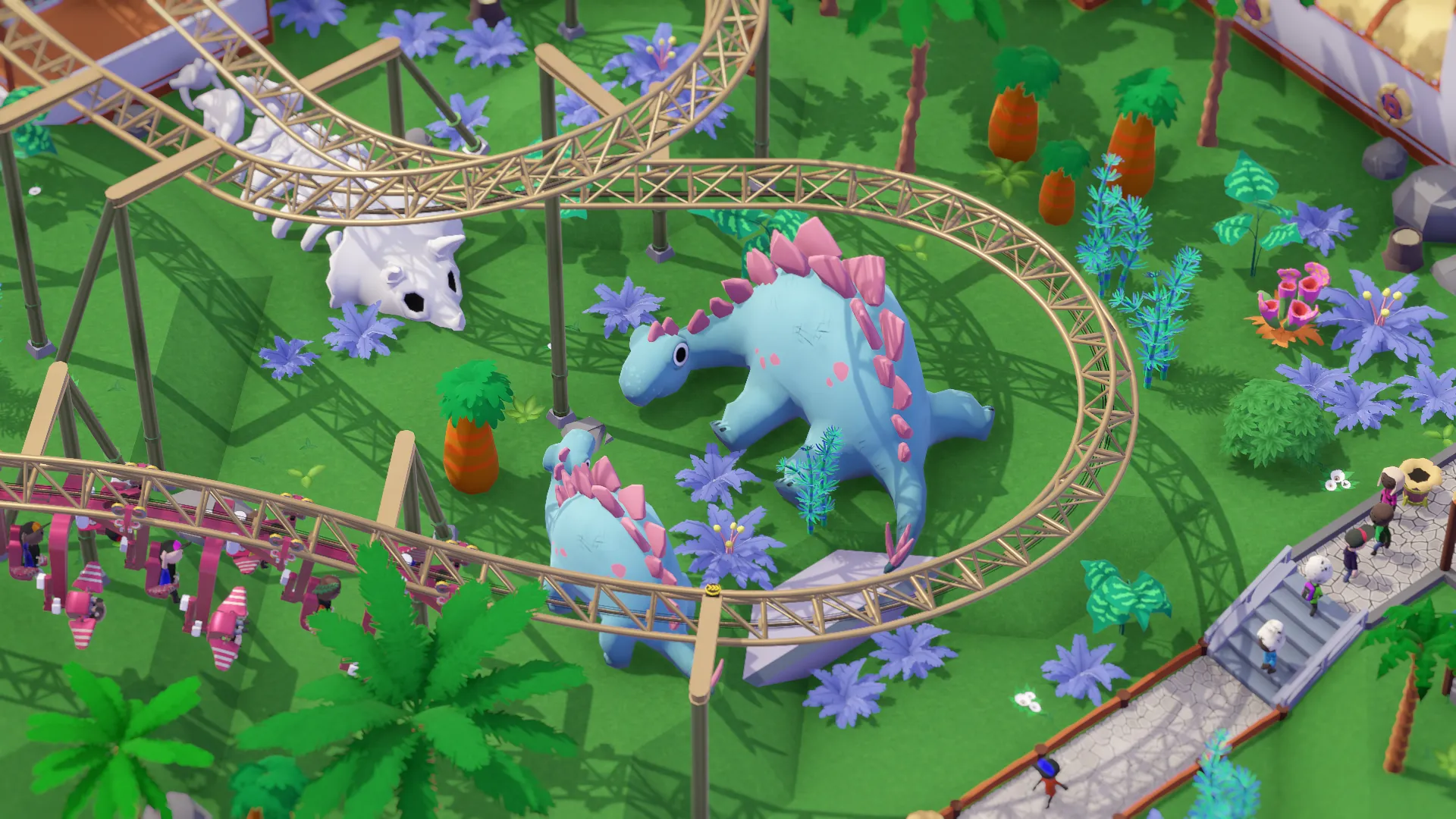
Some of you asked for actual dinosaur props to go with Dinos & Dynasties DLC. We thought this would be a great addition, so in the spirit of the season of giving, we made a few and included them in the DLC:
T-Rex
Triceratops
Two differently posed Pterodactyls
Two differently posed Stegosauruses
We hope you enjoy these additions and look forward to seeing them in your parks!
New Hats
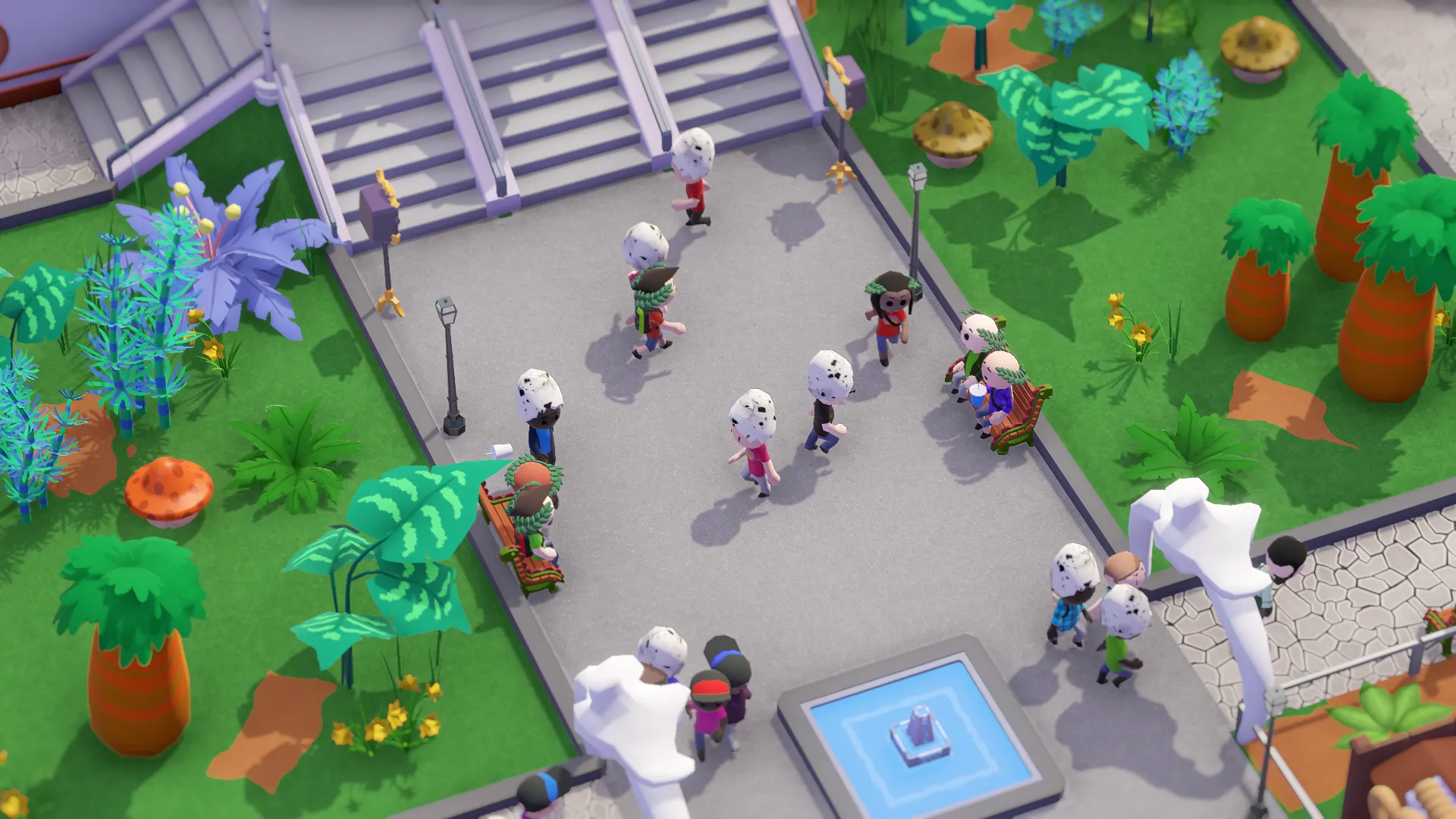
We also thought it would be fitting to add two new hats to the Souvenir Shop. The Dinos & Dynasties DLC now lets the stall sell Dino Egg hats for dinosaur enthusiasts and Laurel wreaths for the history buffs.
Did you notice the new free Cheat Menu update?
Since we focused heavily on the content of the Dinos & Dynasties DLC, some of you might have missed the free update that came alongside it, so we wanted to highlight it a bit more now.
First of all, some players have asked how to access it. The default keybind is F12, but you can rebind it to any key you prefer.
Some of the cheats are self-explanatory, such as changing the weather or granting $1000. But for players who aren’t Parkitect veterans, we wanted to explain what the others do and how you might use them.
Disable track collisionThis option prevents roller coaster tracks from blocking you when placing decorations or other constructions close to them. It’s useful if you want to build things closer to your tracks than would normally be considered safe. Don’t worry - your roller coaster will function exactly the same, without any increased risk of accidents.
Build out of boundsThis allows you to build outside the boundaries of your park. For example, you might want to add some decorative elements just outside your park entrance. This cheat makes that possible!
Allow any car on any ride
Ever wanted to put Mine Train cars on a Monorail Coaster? This cheat is for you. It allows you to use any coaster cars on any roller coaster. Just remember to close the ride before swapping the cars!
Toggle coaster supports
If some supports beneath one of your roller coasters are getting in the way, you can use this cheat to remove - or restore - any of the supports for your coasters.
Disable track height and object scale limits
In case you missed it: these options were also added in the 1.12b Update. Disabling track height lets you build your coasters as high as you want - the sky’s the limit! Disabling object scaling limits lets you scale objects far beyond the usual range. If you want even bigger dinosaur bones, you can now make that happen.We wish you a wonderful holiday season and a happy New Year! 🎄
/Texel Raptor
What do you think of the Parkitect update and the fact that we've reached seven years of the game being out? Let us know your thoughts in the comments below.
Leave a Comment