
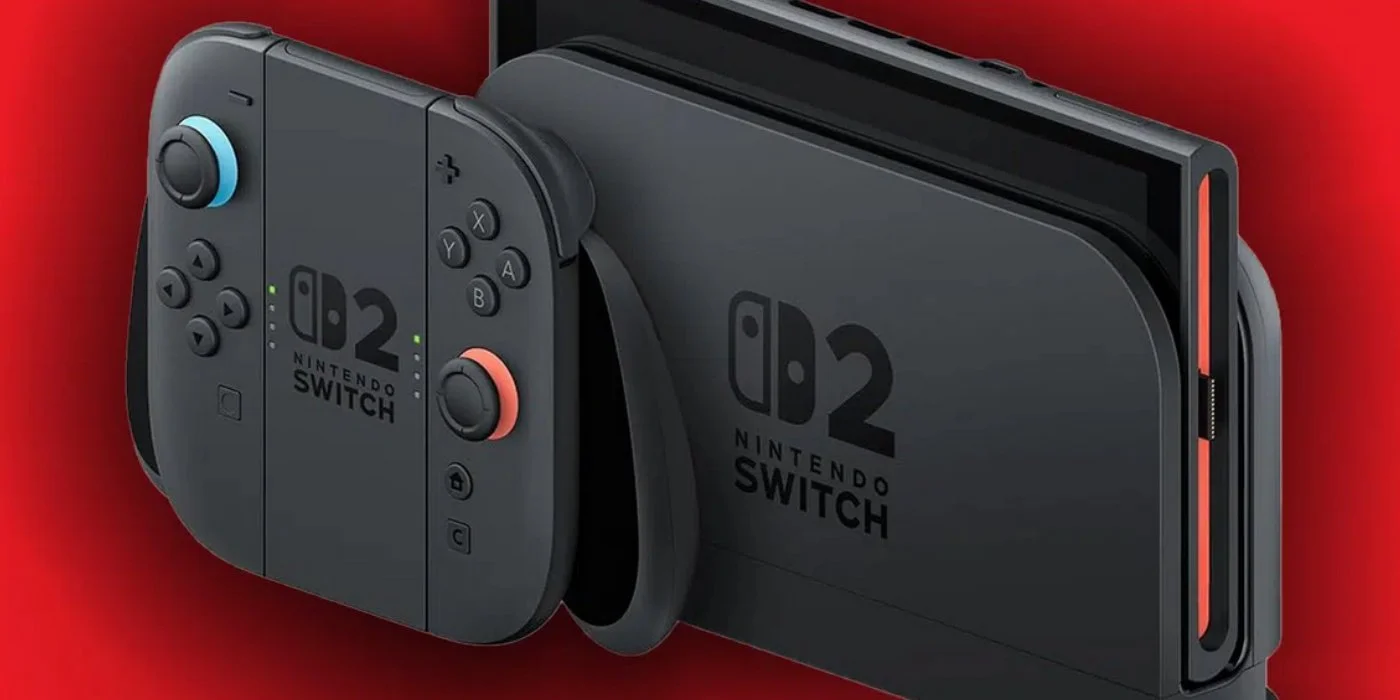
A new version of the Nintendo Switch system software is out, and it comes with some pretty big changes. The biggest one is the addition of Variable Refresh Rate (or VRR) while docked. This feature was already available in handheld mode, but now it'll also work in docked mode, assuming your TV supports it. You will need to update your dock for this to work.
Other changes include the ability to use a virtual card even if it's stuck on another console you own, and a toggle in the quick settings menu for the "Handheld Mode Boost" settings, as well as the ability to use other controllers even if the JoyCons are attached. You can see the full patch notes below.
Note: The following are the notes from the Japanese site translated by Firefox, since the English notes aren't yet available. As soon as those are posted, we'll update the article.
Quote From Nintendo Japan
In "Game Chat", we did the following correspondence.
The list of chats that you can enter is now displayed in the list of chats that you have participated in in the past.
When you start a new chat, you can enter the room without choosing a single friend.
Added a button that allows you to change the "size of the screen" to the menu that appears when you press the C button during the chat.
Added "Settings" to the list screen of "Virtual Game Cards".
You can check the registration status of the main unit using the virtual game card.
Supported VRR output in TV mode.
When both software and TV are supported, the video is output at a refresh rate that matches the processing of the game.
An update to the Nintendo Switch 2 dock is required to enable this feature.Added support for "Whole Transfer" between Nintendo Switch 2.
You can transfer all the data, such as saves and screen photos, on your Switch 2 to the new Switch 2.
In "Settings", we have responded to the following.
"Accessible" → "Speech reading" is now supported for speech-to-speech in Portuguese (Brazil).
In "Accessibility" → "Game Chat Audio ⇔ Character Conversion", Portuguese (Brazil) has been added to the language of "文字⇒音声 conversion".
The settings of "Audio" → "Sound of TV" are saved for each TlikeV connected.
The item name of "Display" → "Doc output information" has been changed to "Video output information" so that the video signal that can be displayed on the TV being connected can be checked in detail.
Added the "VRR setting" item to "Display".
In "Mii", we have added a function that allows you to interact with other users by using Mii as a QR code.
When you change the volume with "Sleep" → "Wake-up sound when playing on TV", you can play the sound on the spot and check it.
Added the items "Main body" → "Switch software operation mode mode" → "Mobile mode boost switching with quick settings".
When this setting is turned on, the mobile mode boost can be switched on / off in the quick setting displayed by holding down the HOME button.Added the "Main unit" → "Nintendo Switch 2 to transfer" item.
When starting the software, even if you can not move the virtual game card from the other main unit, you can temporarily play the software with an online license.
If the other console is offline and unable to move the virtual game card, the "Play with Online License" button will be displayed.
Only the person who purchased the software can play the software with an online license.
On Mii's edit screen, I now play BGM.
You can switch and stop BGM from the "BGM setting" button on the upper left of the screen.
As for the mobile mode boost, we made it possible to use other controllers even if Joy-Con 2 is attached to the main unit.
In the play record of "My Page" → "Profile", the play time when playing the same software on multiple main bodies is now added.
After the update, the software played will be added sequentially and displayed.
Fixed some issues and improved the stability of the operation.
What do you think of this development? Is this a big deal for you, or are you only playing in handheld mode? Let us know in the comments below!

Leave a Comment