
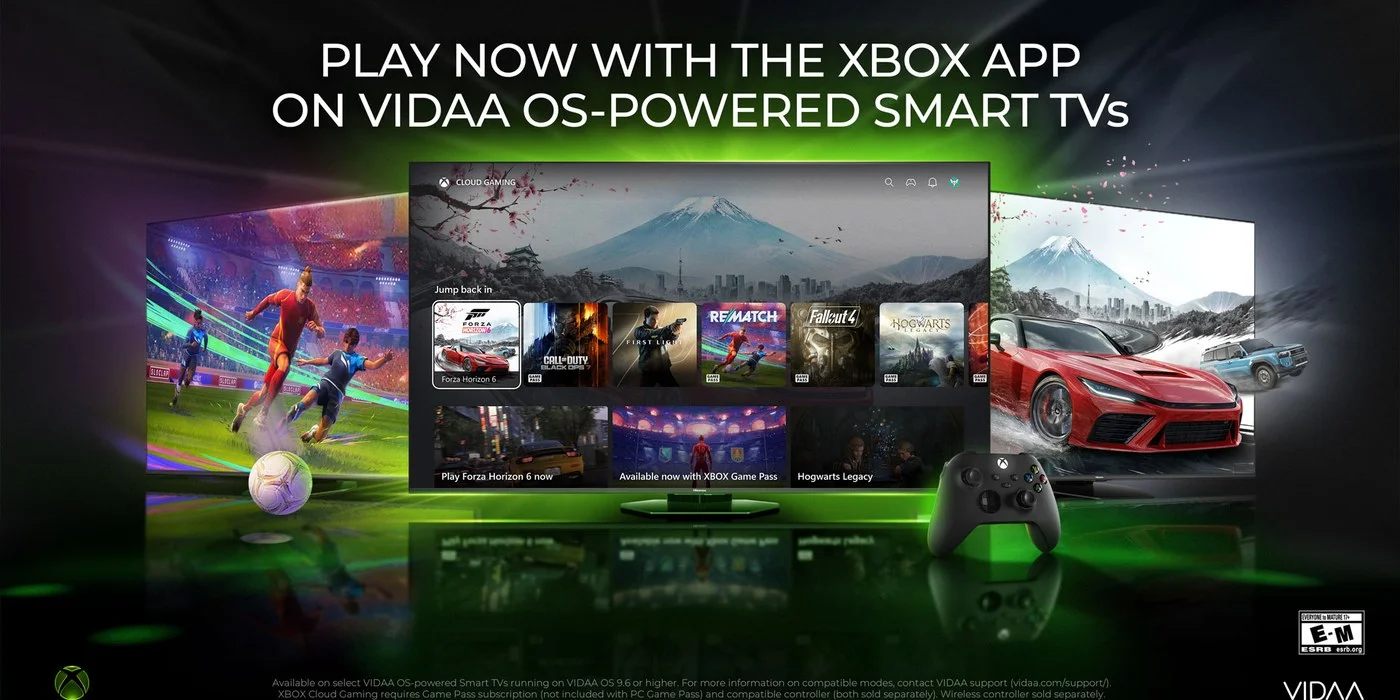
Microsoft has announced that the Xbox app is now rolling out to VIDAA OS-powered Smart TVs, including supported Hisense models, giving us another way to stream their games without buying dedicated gaming hardware. The company says the goal is to bring Xbox to more devices people already own, and this is one of the larger expansions of that idea yet.
Links in this article going to Xbox Game Pass are affiliate links. Out of Games earns a commission on qualifying subscriptions.
What Can You Actually Play?
If you're an Xbox Game Pass subscriber, you can stream hundreds of games directly to your TV. Microsoft makes note that the game library varies over time and by region, device, and Game Pass plan, so your mileage may vary depending on where you are and which tier you're on.
Quote From XBOX We're continuing to bring Xbox to more devices players already own, giving them more ways to jump into their favorite games, especially those who may not be able to afford or justify buying dedicated gaming hardware.
Microsoft is rolling the app out gradually, with availability expanding over time as updates reach additional devices and regions.
What Do You Need to Get Started?
Here's the checklist to get up and running:
A VIDAA OS-powered Smart TV or supported Hisense TV running VIDAA OS 9.6 or higher (contact VIDAA support for compatible models)
An Xbox Game Pass subscription - Ultimate, Premium, or Essential
A supported Bluetooth-enabled wireless controller, like the Xbox Wireless Controller
A reliable high-speed internet connection
How Do You Get the Xbox App on Your TV?
Once your TV is updated to VIDAA OS 9.6, the Xbox app will show up on your Home Page. The steps are:
Check your TV for a VIDAA OS 9.6 update (it may not be available on all supported TVs at launch - contact VIDAA support for more info)
Once updated, open the Xbox app from the Home Page or the "Games" section of the menu bar
Sign into or create your Xbox account
Connect a compatible Bluetooth-enabled wireless controller
Choose a game and start playing
On the controller front, you're not locked into Xbox pads either. Microsoft lists the Xbox Wireless Controller, Xbox Adaptive Controller, and Xbox Elite Wireless Controller Series 2 as compatible, along with the PlayStation DualSense and PlayStation DualShock 4 controllers.
Microsoft also points players to xbox.com/cloudgaming to learn more about playing across TVs and browsers on supported devices like smartphones, Windows PCs, and tablets.
Are you planning to fire up Game Pass on your TV instead of a console? Let us know in the comments.

Leave a Comment